Unity is a cross-platform game engine developed by Unity Technologies, first announced and released in June 2005 at Apple Inc.’s Worldwide Developers Conference as a Mac OS X-exclusive game engine. The engine has since been gradually extended to support a variety of desktop, mobile, console and virtual reality platforms. It is particularly popular for iOS and Android mobile game development and used for games such as Pokémon Go, Monument Valley, Call of Duty: Mobile, Beat Saber and Cuphead. It is cited to be easy to use for beginner developers and is popular for indie game development.
PyCharm is an IDE specifically for Python programming. It is developed by the Czech company JetBrains. It provides code analysis, a graphical debugger, an integrated unit tester, integration with version control systems, ability to profile code (professional version required), and remotely debug your projects (professional version required).
Check the JetBrains Academic Licensing page to see if you qualify for a free educational license. This will provide free access to the Professional edition of PyCharm.
PyCharm has inbuilt PEP8 style checking. Selecting the code of interest and clicking the Code → Reformat code Pycharm menu option will automatically format your code according to PEP8.
Enable automatic saving of open files:
File → Settings → Appearance & Behavior → System Settings →
Synchronization → ☑ Save files automatically if application is idle for 5 sec.
File → Settings → Editor → General → Editor tabs → ☑ Mark modified (*)
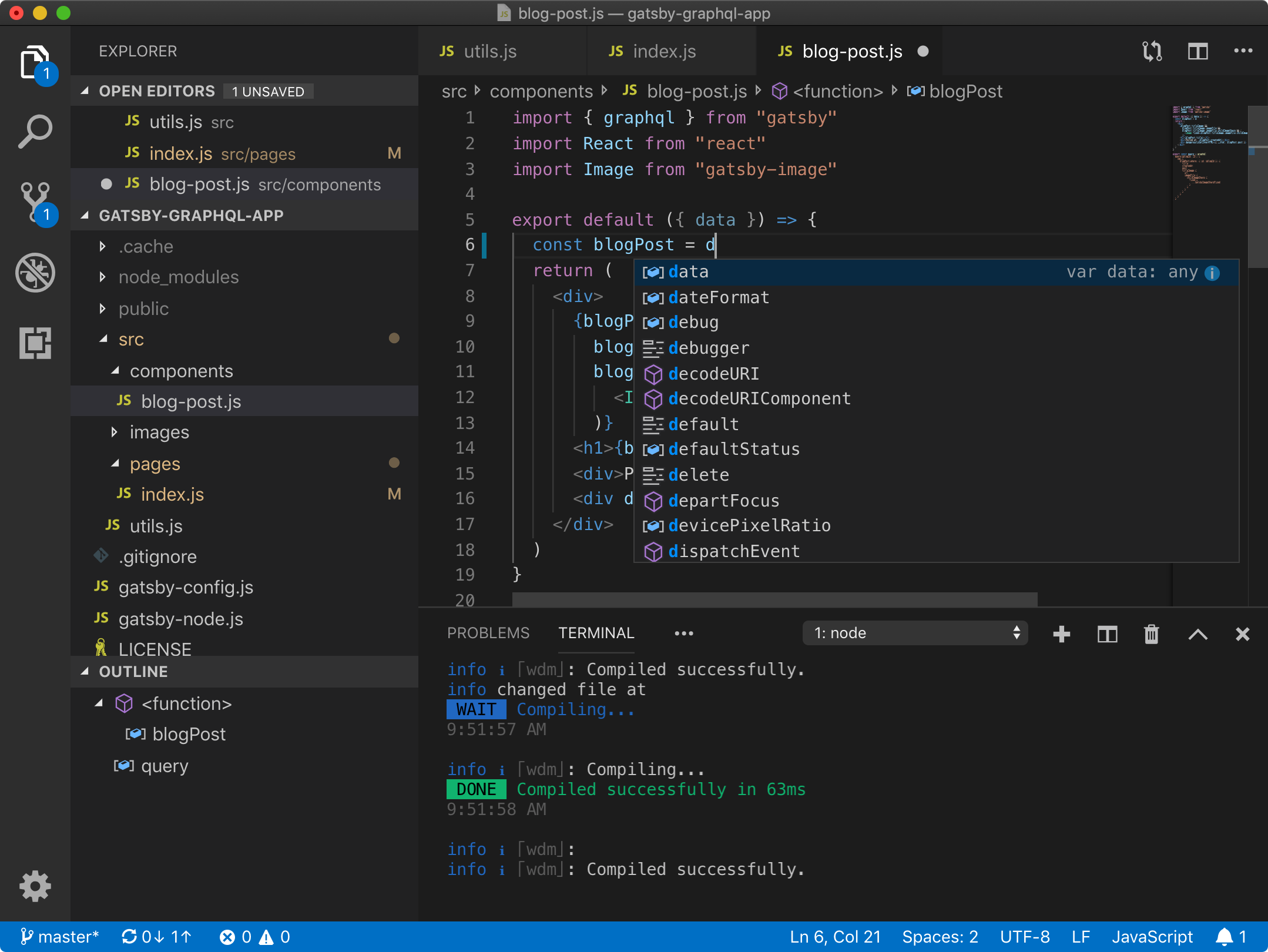
Visual Studio Code combines the simplicity of a code editor with what developers need for their core edit-build-debug cycle. It provides comprehensive code editing, navigation, and understanding support along with lightweight debugging, a rich extensibility model, and lightweight integration with existing tools.
The most basic IDE is the combination of a text editor (allowing you to edit your source code) and a command line terminal (allowing you to execute commands to build and run your source code).
Note
It is recommend to use a IDE for software development as they provide tools such as graphical debuggers to help improve efficiency of the software development process.
Common editors include Gedit, Vim on Linux, Text editor on Mac, and Notepad++ on Windows.
Note
It is recommend to use an editor such as Notepad++ that allows you to choose text file line-ending deliminators on Windows. See the following resource for more information (Converting from Windows-style to UNIX-style line endings).